

Contents
- Quick Summary:
- Why Custom WordPress Website Development Is an Architecture Decision
- Custom WordPress Website Development and Real Production Workflows
- Custom WordPress Website Development for Performance and Maintainability
- Pre-made theme vs custom WordPress build
- Custom WordPress Website Development for WooCommerce Bottlenecks
- Integrations: where most WordPress projects become fragile
- WordPress, headless WordPress, SaaS, and microservices
- Custom WordPress Website Development and AI Automation
- Security, RBAC, and operational control
- What a serious development process should include
- Discovery and technical planning
- UI/UX and content structure
- Development and integration
- QA, performance testing, and launch
- Pricing and total cost of ownership
- When to Outsource Custom WordPress Development
- Frequently Asked Questions
- How much does custom wordpress website development cost?
- How long does implementation usually take?
- Is custom WordPress scalable enough for growing businesses?
- Can an existing WordPress site be migrated into a custom build?
- Conclusion:
A slow WordPress site is rarely just a design problem. The real issue usually sits deeper: too many plugins fighting for control, checkout logic patched together over time, CRM data moving manually, forms creating duplicate records, cron jobs failing quietly, and business teams depending on workflows nobody fully understands.
That is where custom wordpress website development becomes a business architecture decision, not only a web design decision. A custom build should improve how the site loads, how content is managed, how leads are routed, how integrations behave, and how future features are added without rebuilding the whole platform every year.
Quick Summary:
- A custom WordPress website should reduce operational drag, not just look more polished.
- The biggest gains usually come from cleaner architecture, faster database queries, reliable integrations, and fewer plugin dependencies.
- Cheap development often becomes expensive when plugin conflicts, security gaps, and poor handoff documentation appear later.
- The right custom wordpress website development company should understand workflows, APIs, performance, ownership, and maintenance before writing code.
Why Custom WordPress Website Development Is an Architecture Decision
Most businesses start with WordPress because it is flexible, familiar, and easy for non-technical teams to manage. That is the strength of the platform. The weakness appears when every new requirement is solved by installing another plugin.
A booking flow needs conditional logic, sales needs CRM sync, marketing needs landing page control, finance needs payment records, and operations wants automation.
At first, plugins solve these problems quickly. Later, they create hidden complexity. For businesses planning a serious build, Filicode’s WordPress development services explain how custom architecture, performance, integrations, and long-term maintainability should be planned before development starts.
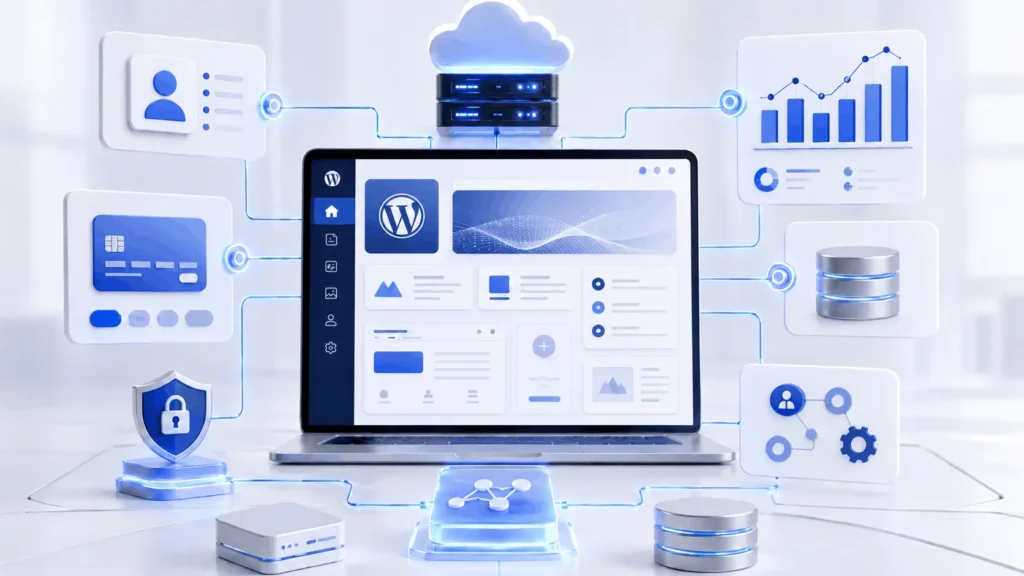
Custom wordpress website development gives the business more control over data structure, user journeys, third-party integrations, performance, security rules, and future feature development.
The goal is not to custom-code everything. That is also a mistake. The goal is to decide what should remain plugin-based, what should be custom, and what should be handled outside WordPress through APIs or automation layers.
Custom WordPress Website Development and Real Production Workflows
A production website is not just pages and buttons. It is a chain of workflows.
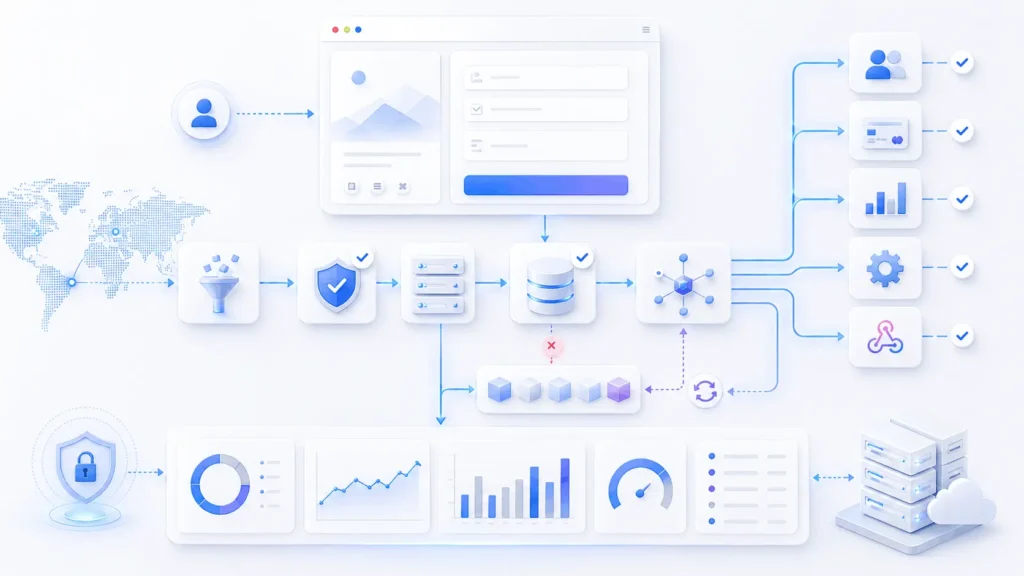
A user submits a form. The frontend validates basic fields. The backend verifies the request, sanitizes input, stores data, triggers notifications, sends records to a CRM, assigns a lead owner, logs the event, and possibly starts an automation sequence.
If any step fails, the system should not lose the record.
This is where engineering quality matters. A mature workflow includes server-side validation, nonce verification, input sanitization, database writes, API retries, webhook logging, fallback handling, and audit records.
In WordPress, these workflows are often built through custom hooks, REST API endpoints, background jobs, and controlled plugin extensions. For technical context, WordPress is a content management system, but production-grade business workflows often require deeper architecture than a standard CMS setup.
For example, if a CRM API is down, the site should store the submission locally and retry later. If payment confirmation is delayed, the order should stay in a pending state instead of being marked complete too early. If an automation fails, someone should see it before the customer complains.
When business logic becomes too specific for standard plugins, custom WordPress plugin development is usually the safer route because critical workflows stay portable and are not locked inside a theme or page builder.
Custom WordPress Website Development for Performance and Maintainability
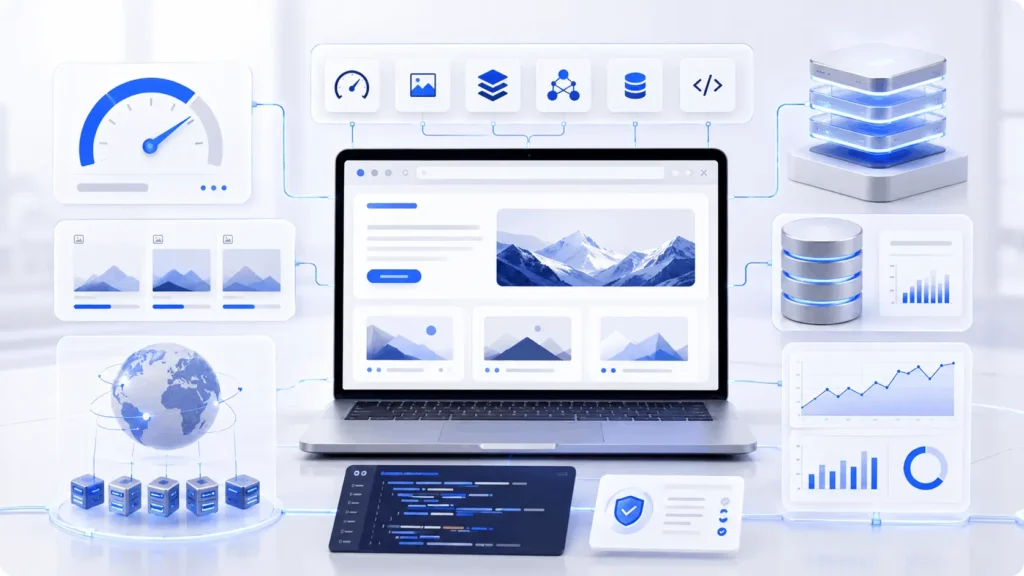
Performance problems usually come from layers of small decisions.
A bloated theme loads scripts on every page. Plugins enqueue unused CSS. Sliders add JavaScript. Page builders create nested markup. Database tables grow without cleanup. WooCommerce stores orders, sessions, transients, and customer records that must be queried carefully.
Custom wordpress website development helps because the codebase can be kept lean.
Redis object caching can help high-traffic WordPress and WooCommerce sites, especially where repeated database queries become expensive. But caching is not a fix for poor architecture. If the checkout flow runs slow because five plugins are recalculating shipping, tax, discounts, and subscriptions in different ways, caching alone will not solve the underlying issue.
Maintainability is just as important as speed. A developer should be able to inspect the theme, understand the plugin structure, review the deployment process, and safely change features without breaking unrelated parts of the website.
Pre-made theme vs custom WordPress build
Pre-made themes are not always bad. They are useful for simple brochure sites, early-stage MVPs, and low-risk projects. The problem starts when a business expects a general-purpose theme to behave like a custom operating system.
| Option | Best For | Common Risk | Production Reality |
|---|---|---|---|
| Pre-made theme | Small sites, basic pages, fast launch | Code bloat and limited control | Works until workflows become specific |
| Page builder-heavy site | Marketing teams needing quick edits | Performance drift and design inconsistency | Useful with governance, risky without it |
| Custom theme | Brand, speed, structured content | Higher upfront planning | Better long-term control |
| Custom plugin architecture | Business logic, integrations, workflows | Requires experienced engineering | Best for features that must survive theme changes |
A custom theme controls presentation. A custom plugin controls business logic. Mixing both incorrectly creates future migration problems.
For example, lead assignment rules should not live inside a theme template. Payment reconciliation should not depend on a visual builder. CRM sync should not disappear when the design changes.
That separation is a key reason businesses invest in custom wordpress website development.
Custom WordPress Website Development for WooCommerce Bottlenecks
The common bottlenecks are predictable:
checkout scripts loading too much logic, slow payment gateway responses, bloated order meta, plugin-heavy discount rules, weak caching boundaries, and poor hosting configuration.
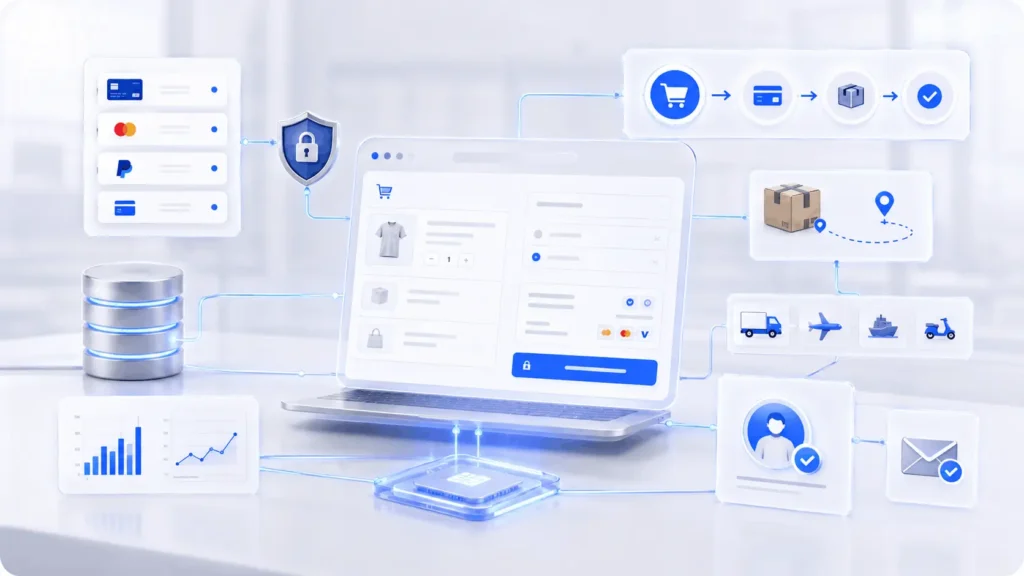
Checkout scaling is especially sensitive. A WooCommerce checkout interacts with cart sessions, taxes, shipping rates, coupons, payment gateways, inventory, emails, and order status transitions. One poorly built plugin can delay the entire flow.
A stronger WooCommerce build separates concerns:
- checkout should stay lean
- payment webhooks should be logged
- stock changes should be reliable
- refunds should reconcile correctly
- admin reports should not slow customer-facing pages
- subscriptions should have clear renewal states
For high-volume stores, custom order workflows, Redis, CDN optimization, background processing, and careful plugin selection become more important than visual design. Good ecommerce architecture protects revenue during traffic spikes.
Integrations: where most WordPress projects become fragile
Many websites fail operationally because integrations are treated as simple “connect app A to app B” tasks.
In reality, APIs fail. Webhooks arrive late. Duplicate events happen. Authentication tokens expire. Field mappings change. CRMs reject malformed data. Payment gateways send multiple status updates for the same transaction.
A reliable integration layer needs:
- authentication handling
- request validation
- idempotency checks
- retry logic
- error logs
- rate limit awareness
- webhook verification
- manual recovery tools
This matters for CRMs, ERPs, booking systems, LMS platforms, payment systems, email tools, support desks, and AI automation workflows.
A capable custom WordPress development partner should not only ask which tools you use. The team should also understand what happens when an API, CRM, payment gateway, or automation workflow fails.
This is why API planning should be treated as part of the build, not an afterthought. Filicode’s API integration services are relevant when a WordPress website needs to connect with CRMs, booking platforms, payment systems, ERPs, or internal business tools.
WordPress, headless WordPress, SaaS, and microservices
Not every business should move to headless WordPress or microservices. These approaches solve specific problems, but they also add operational overhead.
| Architecture | Strength | Weakness | Best Use Case |
|---|---|---|---|
| Traditional WordPress | Fast publishing, lower complexity | Can become plugin-heavy | Service websites, content hubs |
| Headless WordPress | Frontend flexibility and speed | More deployment complexity | SaaS marketing sites, apps, high-control UX |
| WordPress + custom APIs | Balanced flexibility | Needs strong integration design | Portals, dashboards, workflow systems |
| Microservices | Independent scaling | More DevOps overhead | Large platforms with separate domains |
| Full SaaS platform | Strong product control | Higher cost and roadmap pressure | Multi-tenant products, marketplaces |
Monoliths are not automatically bad. Microservices are not automatically better.
A well-structured WordPress monolith can outperform a poorly managed distributed system. The decision should depend on traffic, team capability, deployment maturity, integration complexity, and business risk.
For many companies, the smartest path is a hybrid model: WordPress for content and admin workflows, custom APIs for business logic, external services for automation, and dedicated infrastructure for performance-sensitive processes.
Custom WordPress Website Development and AI Automation
AI automation becomes useful when the data flow is stable. If the website stores inconsistent form data, has no clear lead status, and cannot track workflow outcomes, adding AI agents only creates more noise.
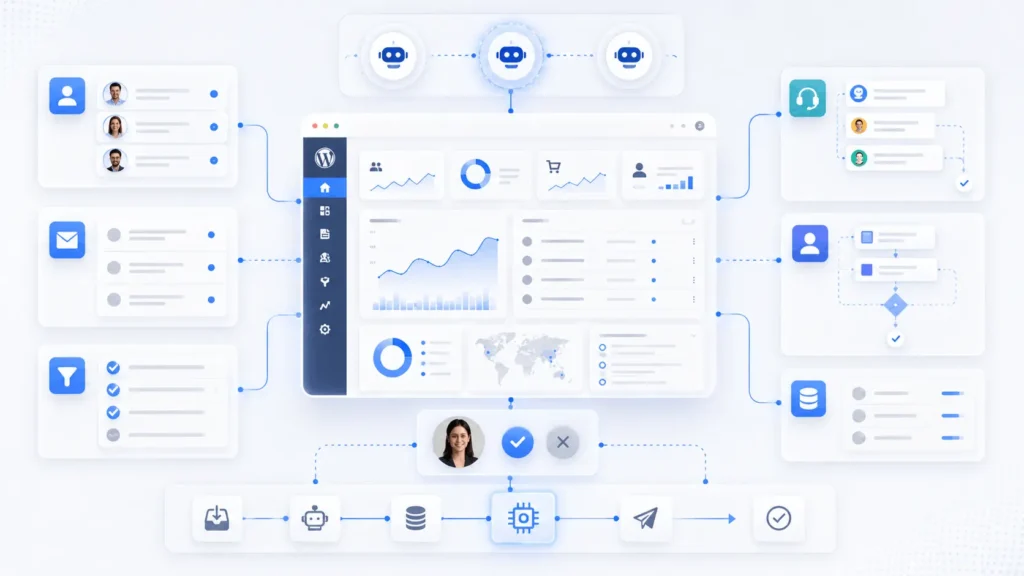
A practical AI automation layer may include lead qualification, CRM enrichment, support ticket classification, content routing, task creation, follow-up recommendations, and human approval steps.
The important part is validation. AI output should not blindly update business-critical records without guardrails.
For example, an AI agent can summarize a customer inquiry, assign intent, and suggest a response. But pricing changes, refund decisions, legal language, and account actions should usually involve human-in-the-loop approval.
Custom wordpress website development can prepare the data structure, forms, permissions, and APIs required for reliable automation. Without that foundation, AI workflows become disconnected experiments.
For teams that want to automate lead routing, support workflows, CRM updates, or internal operations, AI automation services can work well when the website already has clean data structures and reliable validation rules.
Security, RBAC, and operational control
Security is not only about installing a security plugin.
WordPress security requires controlled permissions, clean code, regular updates, input validation, data sanitization, secure file handling, malware scanning, backups, and deployment discipline.
Role-based access control matters when marketing teams, editors, developers, clients, vendors, and admins all touch the same system.
A mature setup defines who can edit global templates, install plugins, access customer data, export records, change payment settings, manage integrations, view reports, and modify automation rules.
Security also affects compliance. A healthcare portal, fintech workflow, SaaS dashboard, or customer account system needs stricter access controls than a simple brochure website.
This is another reason custom wordpress website development should include architecture planning before design execution.
What a serious development process should include
A professional build should not begin inside Elementor, Figma, or a plugin screen. It should begin with business logic.
The process usually looks like this:
Discovery and technical planning
The team identifies user roles, workflows, content types, integrations, business rules, SEO requirements, conversion goals, and operational risks.
This stage should produce a sitemap, feature scope, data model, integration plan, and launch strategy.
UI/UX and content structure
Conversion-focused custom WordPress website development starts with user journeys, content hierarchy, trust signals, and clear next actions. For B2B websites, the structure must support technical clarity, lead generation, and confident decision-making.
Wireframes should define page purpose before visual polish. A strong technical build still needs clear product thinking. Filicode’s UI and UX design services are useful when the site needs better user journeys, clearer conversion paths, and cleaner content structure before development begins.
Development and integration
This is where the theme, plugins, custom post types, fields, APIs, hooks, templates, and admin tools are built.
Good developers keep business logic portable and avoid locking critical workflows inside design tools.
QA, performance testing, and launch
Testing should include responsive behavior, browser compatibility, forms, checkout, role permissions, redirects, schema markup, analytics, caching, backups, and deployment rollback planning.
Technical SEO should also be reviewed before launch. For small businesses that depend on organic visibility, SEO services for small business can help align site structure, metadata, internal linking, and performance with search intent.
A launch without observability is risky. The team should monitor errors, uptime, speed, conversions, and integration logs after deployment.
Pricing and total cost of ownership
The cheapest website usually has the least visible cost upfront and the highest operational cost later.
A low-cost build may look fine at launch but create issues such as plugin conflicts, poor speed, weak security, unclear ownership, missing documentation, and expensive future changes.
Custom pricing depends on:
- design complexity
- number of templates
- custom features
- WooCommerce requirements
- API integrations
- migration scope
- performance needs
- automation workflows
- compliance requirements
- maintenance expectations
For a business-critical site, total cost of ownership matters more than the first invoice. A maintainable build reduces future rebuilds, emergency fixes, support delays, and integration failures.
When to Outsource Custom WordPress Development
Businesses usually outsource custom WordPress development when the project needs custom integrations, performance improvements, workflow automation, or ongoing engineering that the internal team cannot support reliably.
Filicode works across custom software development, WordPress development, WooCommerce development, AI automation, API integrations, SaaS development, system architecture, and performance optimization.
That combination matters when a website is connected to real business operations. A company may start with a WordPress service site, then need a customer portal, subscription logic, CRM automation, custom dashboards, marketplace workflows, or AI-assisted support.
A maintainability-focused approach helps reduce future costs because the platform is not treated as a one-time design project. It is treated as a business asset that must stay secure, fast, editable, and extendable.
When comparing custom WordPress development providers, location matters less than engineering maturity, communication quality, code ownership, quality assurance, documentation, and production experience.
Once the technical foundation is stable, the website can also support broader growth work such as campaigns, landing pages, content strategy, and digital marketing services without creating a disconnected marketing stack.
Frequently Asked Questions
How much does custom wordpress website development cost?
Cost depends on scope, integrations, design complexity, WooCommerce requirements, and performance needs. A simple custom site costs less than a portal, marketplace, or ecommerce system with APIs and automation.
How long does implementation usually take?
A small custom WordPress build may take a few weeks. A more complex system with UX design, custom plugins, integrations, testing, migration, and launch planning may take several months.
Is custom WordPress scalable enough for growing businesses?
Yes, if the architecture is planned properly. Scalability depends on hosting, caching, database design, plugin discipline, CDN setup, query optimization, and how custom workflows are built.
Can an existing WordPress site be migrated into a custom build?
Usually, yes. Migration risk comes from old content structures, URL changes, serialized data, media handling, SEO redirects, plugin dependencies, and database cleanup. A migration plan should be created before development starts.
Conclusion:
Custom wordpress website development should be considered when your website is no longer just a marketing asset. The warning signs are usually clear: slow pages, fragile plugins, manual data entry, unreliable integrations, checkout issues, duplicated CRM records, poor reporting, security concerns, and teams afraid to change anything because something might break.
A custom build will not fix unclear business processes by itself. But it can give those processes a stable technical foundation.
The practical next step is to map the workflows your website currently supports, identify where data breaks, review which plugins control critical logic, and decide which parts should be rebuilt, integrated, automated, or simplified.
That is where custom development becomes valuable: not as a design upgrade, but as a way to reduce operational friction and build a platform the business can keep improving.